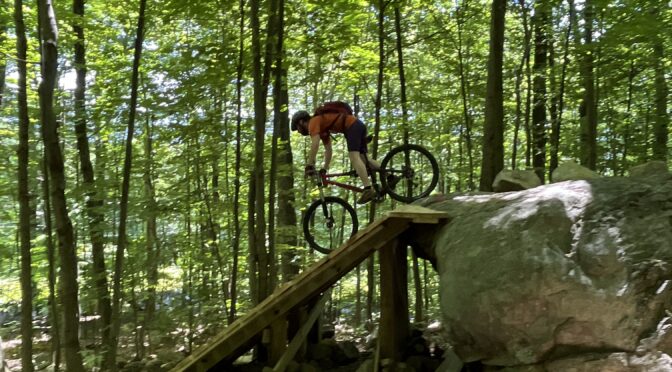
Volunteers along with KSA Built have put in two new features on Furlough.
Name this feature by sending pinehillpartnership@gmail.com an email with ‘name that feature’ in the subject line.
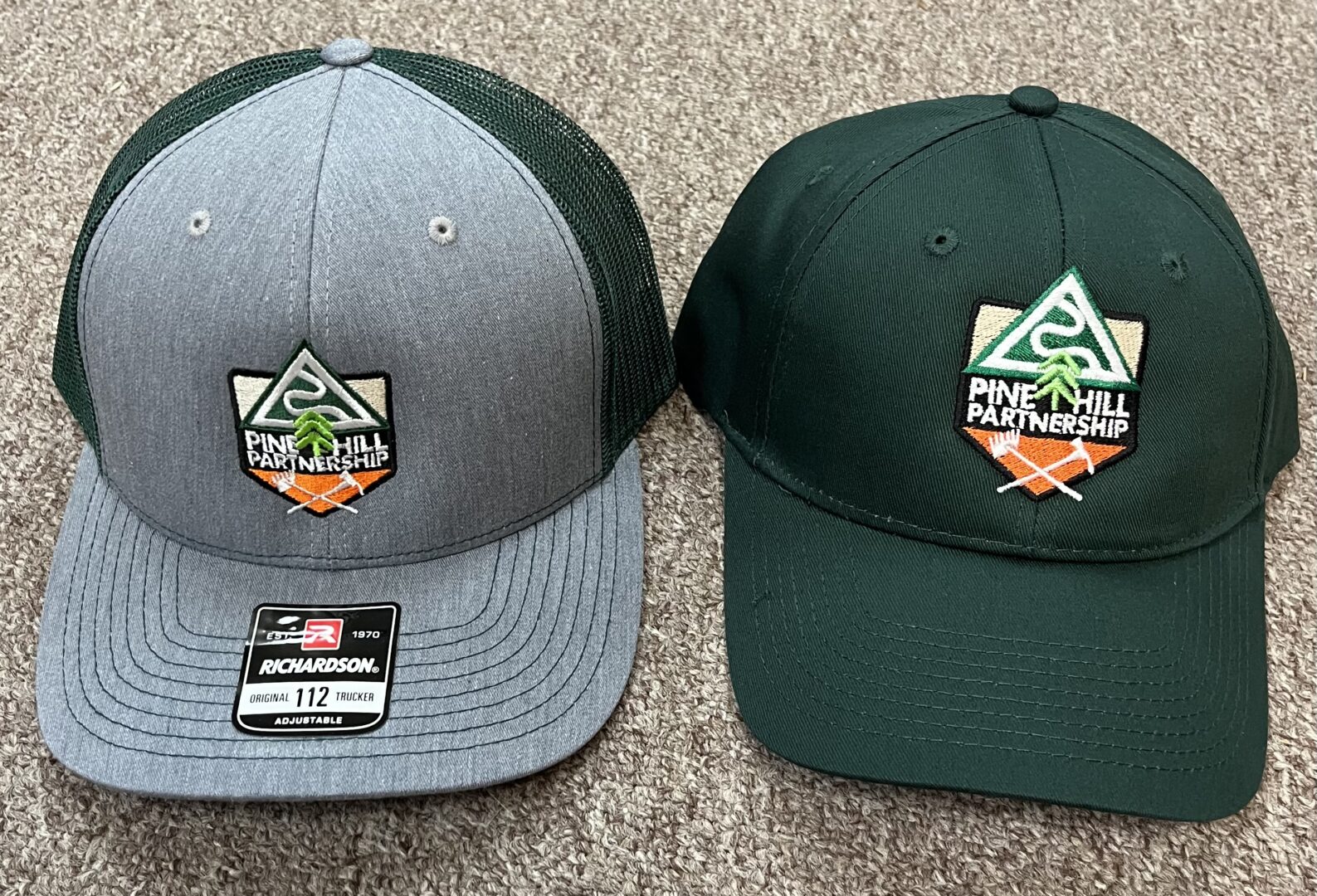
Winner gets a choice of Pine Hill Partnership t-shirt or hat.

Volunteers along with KSA Built have put in two new features on Furlough.
Name this feature by sending pinehillpartnership@gmail.com an email with ‘name that feature’ in the subject line.
Winner gets a choice of Pine Hill Partnership t-shirt or hat.
by Tom Estill
Near the first day of spring, 2024, a major snow storm came through the area and dumped about 18” of snow on the ground. On a late afternoon walk the forest was relatively quiet with just a few birds seen including, yellow-crowned kinglet, tufted titmouse, crow, black-capped
chickadee, white-breasted nuthatch, and a turkey vulture flying overhead. On March 26th, snow continued to melt, but it was still very deep. I was hoping to see some of the first migrants to arrive, but saw only tufted titmouse, pileated and downy woodpeckers, crown, white-breasted nuthatch and a red squirrel near the trailhead.
On a March 28th hike, snow was melting rapidly, with bare ground becoming a more and more common sight. A good day for birdwatching with a cardinal, mourning dove, Carolina wren, dark-eyed junco, tufted titmouse, black-capped chickadee, American goldfinch feeding on birch catkins, crow, golden-crowned kinglet, white-breasted nuthatch, ruffed grouse, and pileated woodpecker, all being seen.
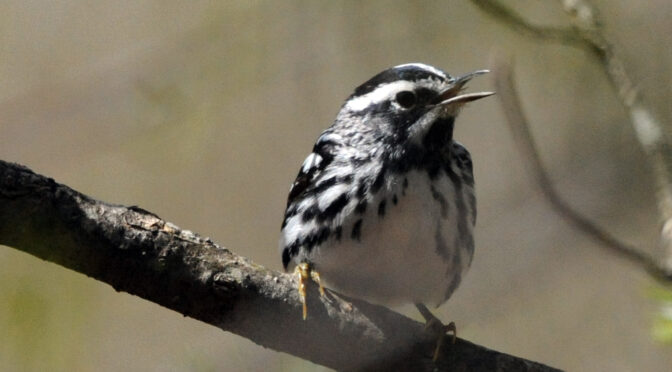
On March 30, the first wildflower of the season was seen flowering where it’s always seen-in the wetland areas adjacent to the boardwalk near the trailhead. That flower is, of course, COLTSFOOT. Also, on this day was seen the first migrating warbler, the black and white warbler. Dark-eyed juncos were chasing one another, establishing their territories, and a few Canada geese were sitting on their nests on the little islands on the west side of Muddy Pond.
Also, on the pond were a few pairs of mallards, and about a dozen common mergansers. It felt like an early spring day.
On the last day of March, a Cooper’s hawk was seen bringing nesting material to a nest it was building near the Lower Giorgetti trail, close to where last year’s Cooper’s Hawk nest was located, but which has since been abandoned. A second Cooper’s Hawk was seen perching near the nest they were building.
By the first day of April, Eastern chipmunks were out and about in large numbers, a red squirrel had set up a nest near the trailhead, the first butterfly of the season was seen, the Mourning Cloak(always the first!), and always seen in the few open areas in the park where the American chestnut trees were planted in the past, flying insects were becoming more numerous, many painted turtles were sunning themselves at both Muddy and Rocky Pond, and one Osprey was seen on its nest at Muddy Pond.
The second week of April found mostly sunny days with temperatures in the mid-60s. An Eastern phoebe was seen flying in and out of one of the abandoned quarry buildings on Crusher Rd. I could see its nest high up on an overhang near the ceiling. The same place it’s been making its nest for years. Numerous bluebirds also seen near the quarry. Hundreds of wood frogs croaking in the wetland area at the south end of Rocky Pond.
By the second week of April, trailing arbutus was flowering (always second after Coltsfoot), the Hermit Thrush had returned and Trout Lily leaves were beginning to emerge from the forest floor. On the 14th, yellow-bellied sapsucker was back and drumming, while on Muddy Pond, 2 Osprey were seen on and near their pole extension nest.
A day later a doe, and 2 yearlings accompanying her, were seen on Droopy Muffin trail. They would be seen numerous times in the following weeks. Two adult Canada Geese had set up nests on the west side islands on Muddy Pond. They obviously were sitting on eggs, because every time I checked the nests, they’d be sitting there, while their mate was nearby keeping strangers away.
On April 16th, I was surprised at how quiet the forest had become and I saw but a few birds including cardinal, tufted titmouse, white-breasted nuthatch, and Bluebirds flying in and out of the next they had recently occupied at the top of a dead white birch adjacent to quarry buildings.
During the third week of April, wood anemones were flowering, one of the Cooper’s Hawk was continually sitting low on its nest, very likely keeping its eggs warm, a brown creeper was seen bringing nesting material to its recently constructed nest, a solitary vireo was seen, and the bluebirds were seen flying continually in and out of their birch tree nest.
By the last week of April, trout lily were in flower, black-capped chickadees could be seen feeding on red pine seeds, belted kingfishers had returned to the ponds, bumblebees were out in large numbers, bellwort and sedges were in flower along with various violets, many bullfrogs and green frogs were calling at the ponds, and fiddleheads were opening,
During the first week of May, Dave Jenne, Shelley Lutz and myself went on a 5 hr. birdwalk and saw black-capped chickadees, crow, American goldfinch, tufted titmouse, downy woodpecker, cardinal, Carolina wren, white-breasted nuthatch, robin, brown creeper, American redstart, ovenbird, blue headed vireo, least flycatcher, northern flicker, Eastern phoebe, great crested flycatcher, field sparrow, hermit thrush, Eastern bluebird, hairy woodpecker, yellow-bellied woodpecker, black-throated green warbler, Eastern towhee, blue jay, black-throated blue warbler, red crossbill, black and white warbler, catbird, and white-throated sparrow. At Muddy Pond could be found many painted turtles sunning themselves, Canada geese nesting, and Common Mergansers. Catkins were hanging from the limbs of white birch trees.
During the second week of May, Moccasin flowers, Gay wings, star flowers, foam flower, butter and eggs, wood betony and pale corydalis were all blooming. Numerous reports of a sow and accompanying young bear seen at south side of park, adjacent to residential area. Female Cooper’s Hawk appears to be feeding young. Scarlet tanagers had returned, and after a rain, numerous red efts could be seen on the trails. Had to be careful where I put my foot. By this time of year, emerging tree leaves are making it harder to see birds higher up. Indigo buntings were back in numbers I have never seen before, red-wing blackbirds were nesting at Rocky Pond, ruby-throated hummingbirds were seen for the first time this season, and
Jack-In-The-Pulpit was blooming.
During the third week of May, I saw my first yellow warbler this season, while chestnut-sided warblers, red-eyed vireos, American redstart, black-and-white warbler, tufted titmouse, Eastern wood pewee, indigo buntings, northern cardinals, Carolina wren, veery, common yellowthroat, black-capped chickadee, least flycatcher, osprey and Canada geese were regularly heard or seen on just about every walk I went on in the park.
The last week of May I saw my first northern parula and cedar waxwing of the season.
Forget-me-not, Common buttercups, red clover, blackberries, fleabane, blue-eyed grass, and hawkweed were all blooming, and evergreen pollen was covering the perimeter of both Rocky and Muddy Ponds. The red admiral butterfly was seen under the power lines on the Carriage Trail, a place where I see them every year.
During early June, Field Cow Wheat, Tufted loosestrife, and Blue Flag were all flowering. And on June 7th, I replaced two dead American Chestnut trees with American Chestnut seedlings, and saw a beautiful Hummingbird Clearwing Moth. In Mid-June, the inevitable finally happened after 12 years of walking all around Pine Hill Park, observing the wildlife and planting trees and wildflowers-I was diagnosed with Lyme Disease. And it knocked me flat for at least two weeks. So, I’m ending my report here.
Hope you enjoyed this summary. Please remember to stay on the trails, and enjoy watching the Wildlife of Pine Hill Park.
We are an all volunteer organization that keeps the trails in Pine Hill Park in nice shape.
We are constantly working on drainage, downed trees being removed.
Your membership, contributions, donations all go directly back into Pine Hill Park. We have a lot of trail maintenance to get done in the next couple of years so your membership dollars and contributions will go directly back to the park.
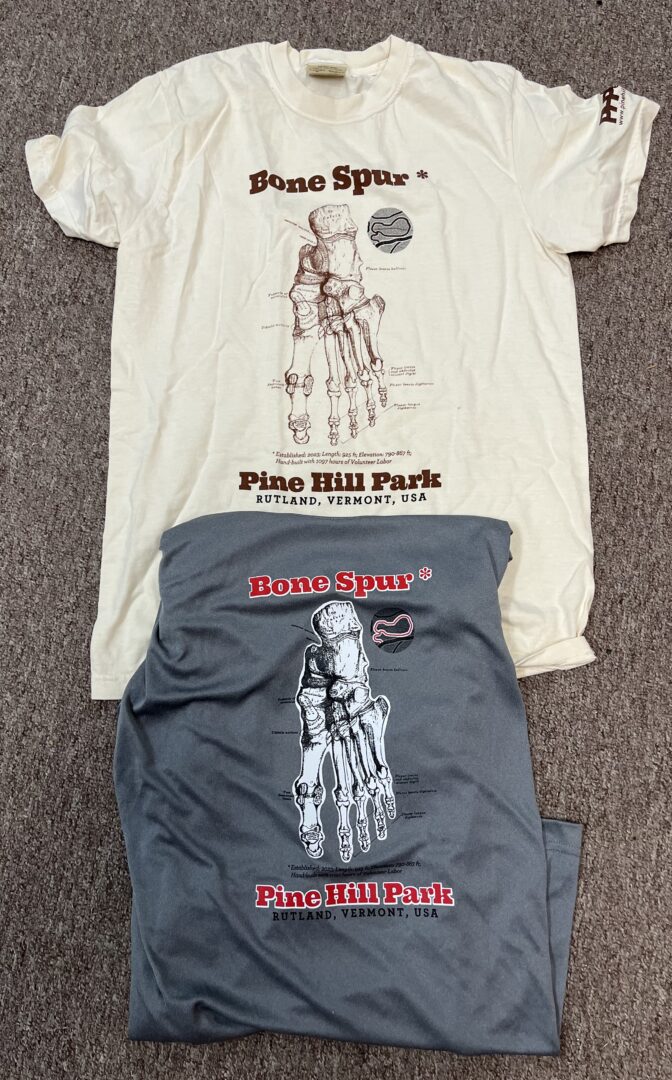
We do have some cool swag associated with our membership levels. Dave Jenne our volunteer graphic person who does our maps, swag graphics and fantastic picture taking came up with Bone Spur this year.
Joining Pine Hill Partnership is easy! Check this link out! https://pinehillpartnership.org/membership/